All selected work

third app

OpenResponses

An iOS/iPadOS App built around the OpenAI Responses API.

Native computer use and MCP connectors, passed App Review on the first try

SwiftUIResponses APIMCP ConnectorsComputer UseRequest InspectorEventKit ToolsFile SearchSSE StreamingAPI WorkbenchOAuth MCP ConnectionsRealtime Voice

Screen recording

A Wikipedia lookup with Computer Use, browsing at 3x

Scroll to play. Scroll back to rewind.

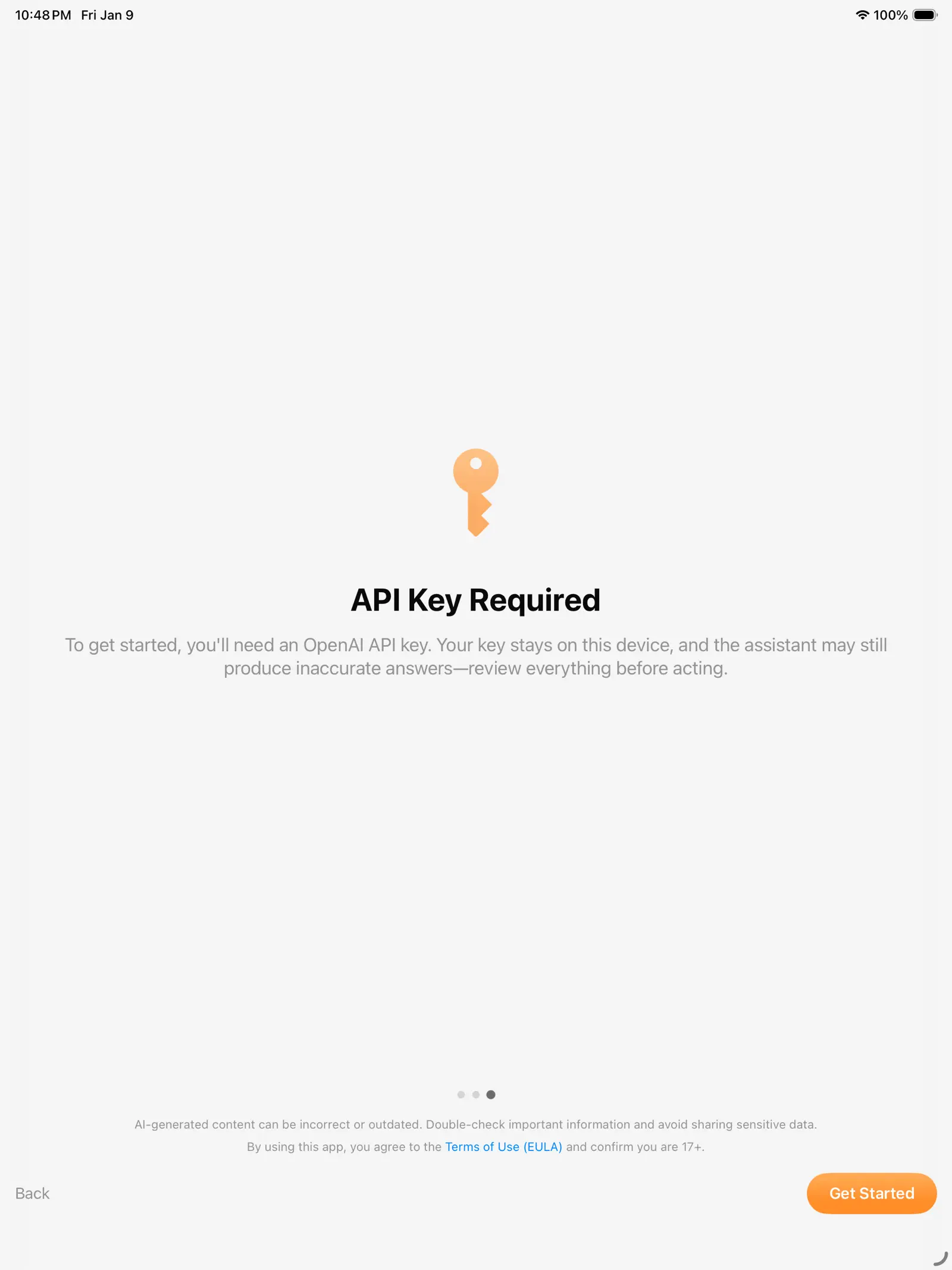
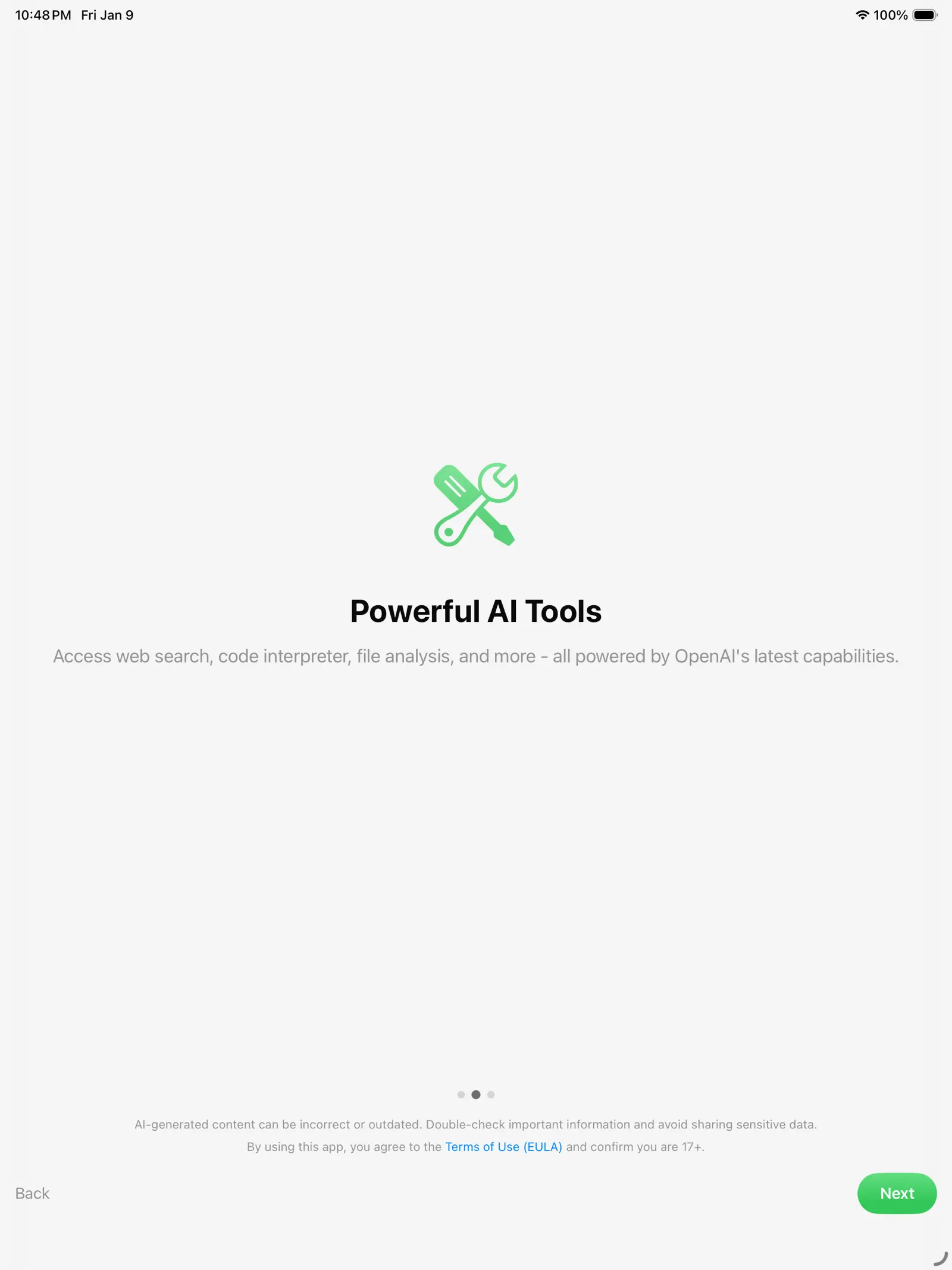
Screens

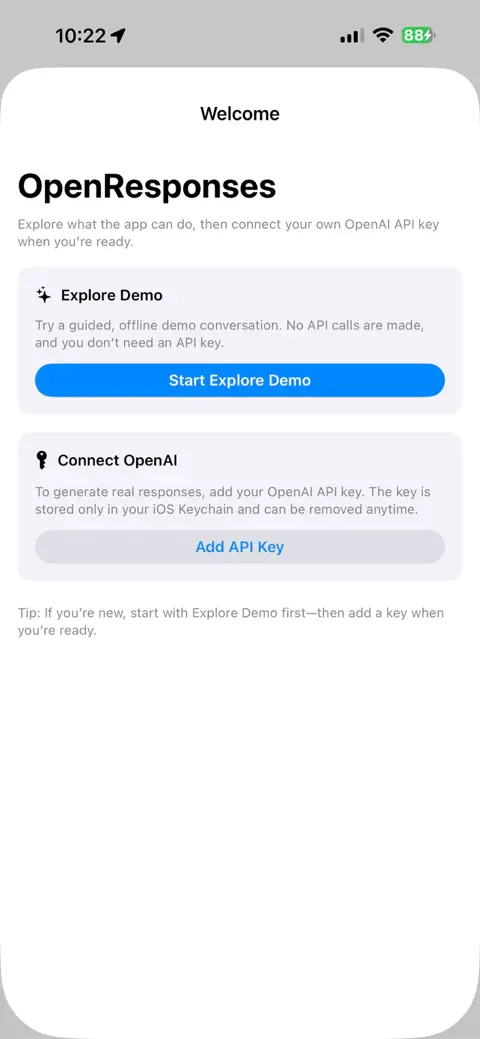
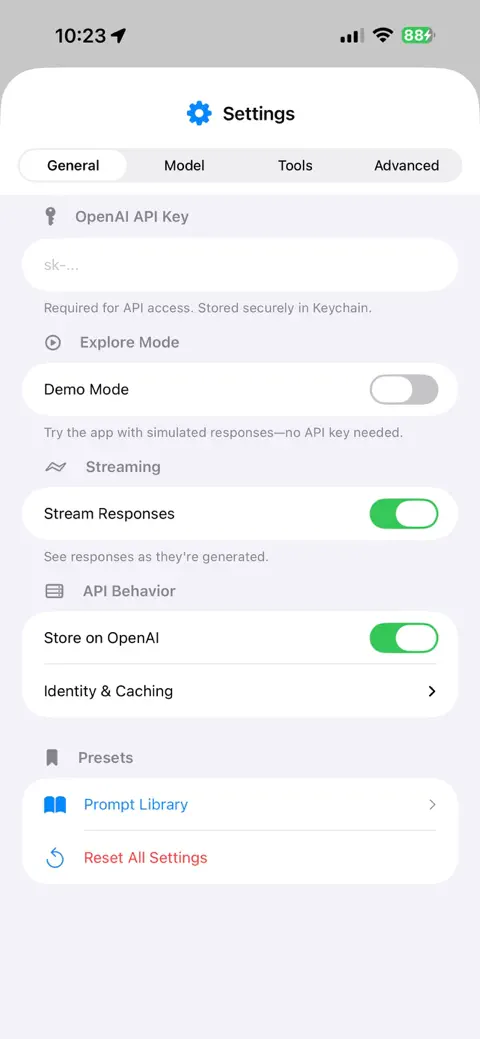
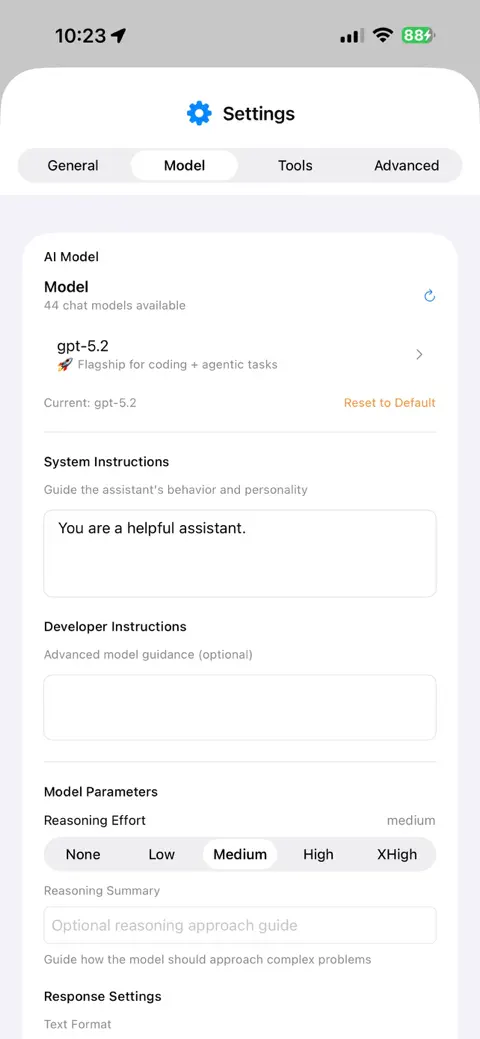
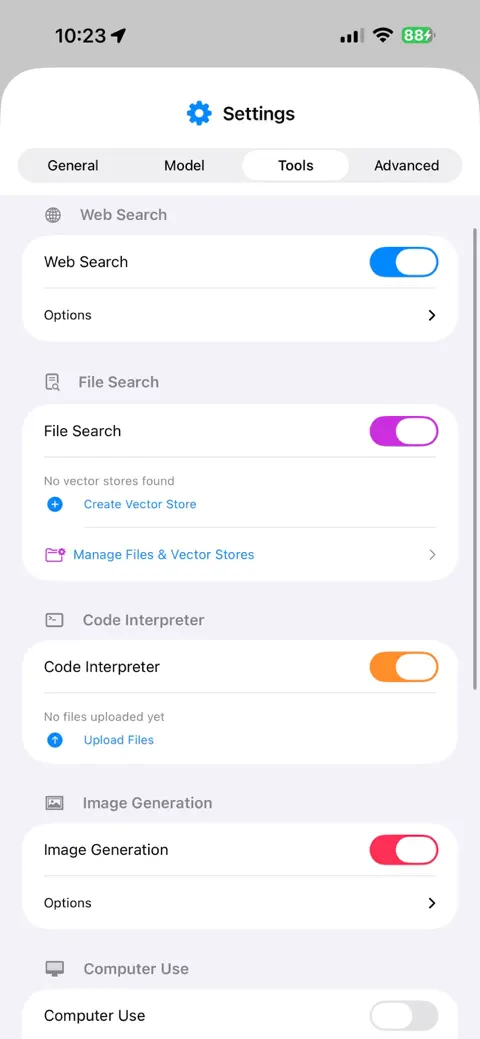
From the App Store listing for version 2.9. Scroll sideways.

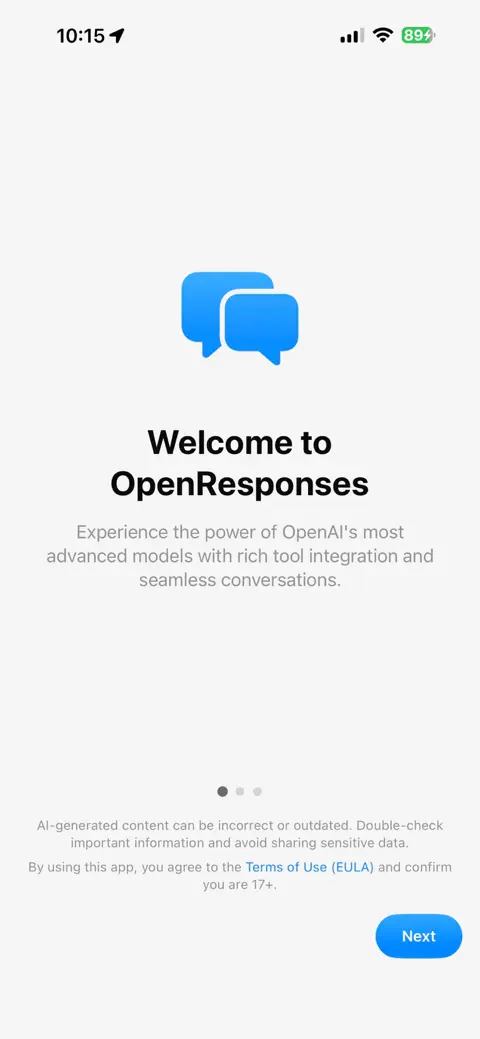
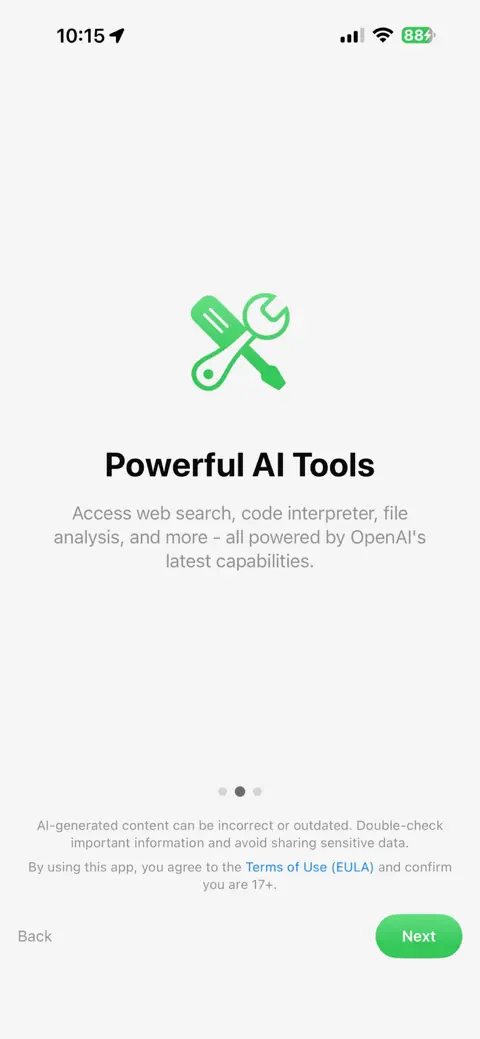
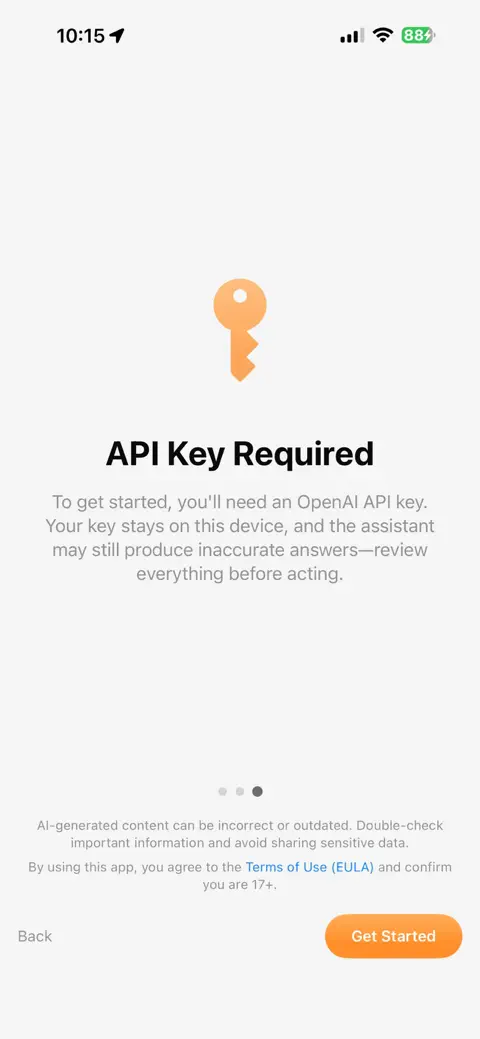
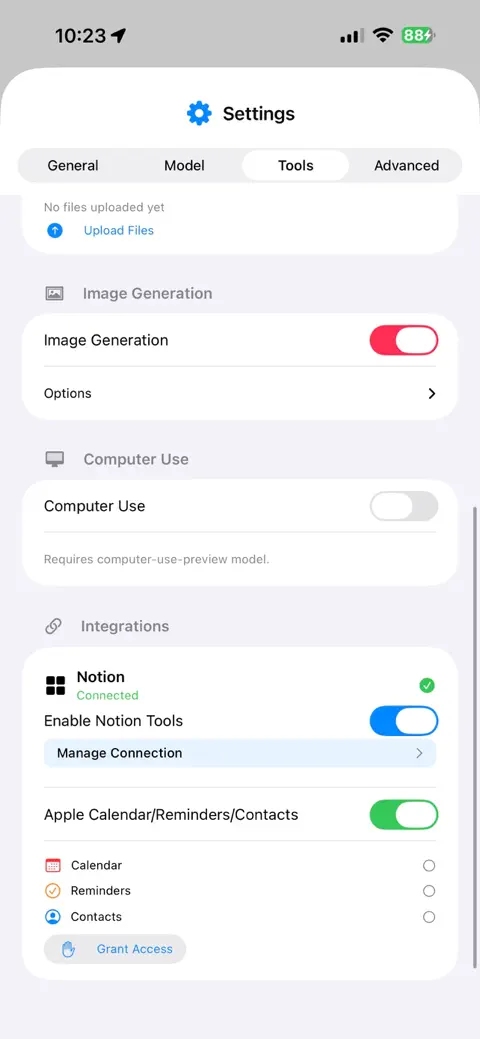
  • OpenResponses iPhone screenshot 1
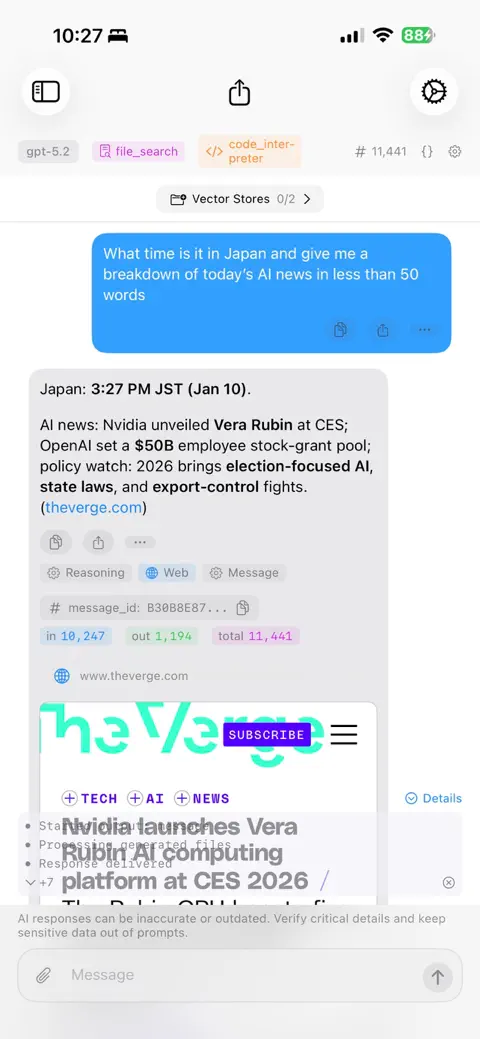
  • OpenResponses iPhone screenshot 2
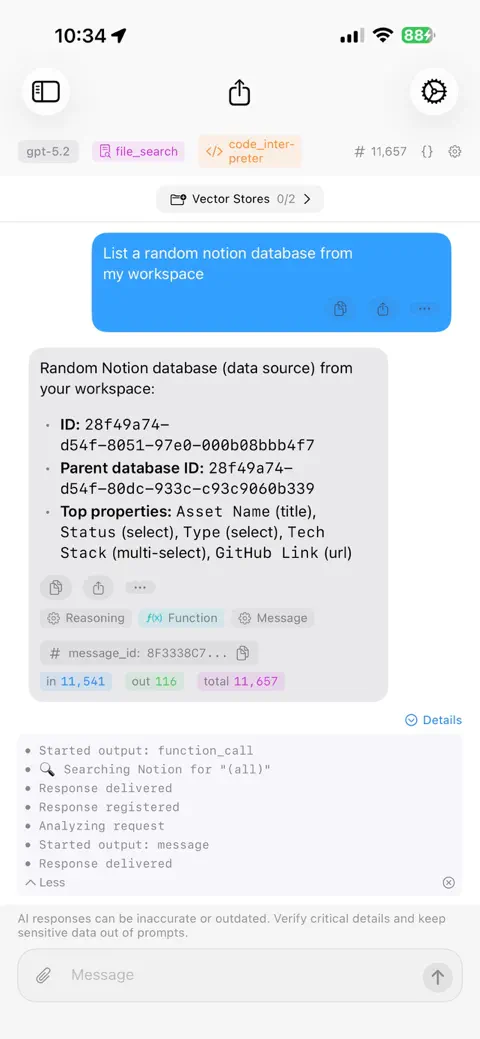
  • OpenResponses iPhone screenshot 3
  • OpenResponses iPhone screenshot 4
  • OpenResponses iPhone screenshot 5
  • OpenResponses iPhone screenshot 6
  • OpenResponses iPhone screenshot 7
  • OpenResponses iPhone screenshot 8
  • OpenResponses iPhone screenshot 9
  • OpenResponses iPhone screenshot 10
  • OpenResponses iPad screenshot 1
  • OpenResponses iPad screenshot 2
  • OpenResponses iPad screenshot 3

How it works

A native client for the OpenAI Responses API with the whole request lifecycle visible. Your key, your account, direct to OpenAI.

You decideOpenAIOn device4 of 6 steps stay on the device
  1. You decide

    Compose

    Build the request: model, tools, files, reasoning settings. A request inspector shows exactly what will be sent.

  2. OpenAI

    Send

    The API key is injected from the Keychain into the headers of a direct HTTPS request. No proxy in between.

  3. On device

    Stream

    Server-sent events are parsed live: text deltas, reasoning traces, tool calls, annotations.

  4. OpenAI

    Run tools

    Web search and code interpreter run on OpenAI's side and loop back into the stream. MCP connectors reach Gmail, Calendar, Dropbox, Notion; EventKit reaches Apple Reminders. Turn on Local Python in Settings → Model and the assistant can also write Python and run it on your phone. You see the code first and nothing runs until you tap Run. Standard library only, no internet, no files, 30 seconds a run.

  5. You decide

    Approve computer use

    Browser actions (click, type, scroll, screenshot) are translated into a native Swift environment, and a chain pauses for your approval when OpenAI flags a safety check.

  6. On device

    Render and keep

    Responses and thinking traces render natively; conversation history is saved as local JSON on the device.

The story

Why it exists and what building it taught me. Written for the homepage card, kept here in full.

Why: OpenAI announced they were deprecating the Assistants API, and my immediate thought was “they’re killing my first app!” - OpenAssistant - so I opened VSCode with OpenAssistant in one window and OpenResponses in another, using LLMs to help swap out all the endpoints and rebuild the flow on the new Responses endpoints.

Computer Use: I built a custom streaming interface that translates browser tool-calls (clicking, typing, scrolling, screenshots) into a native Swift environment, letting the model navigate web pages in real time.

Connected Tools: To give the model access to the real world, I integrated Model Context Protocol (MCP) connectors and Apple EventKit, allowing it to search and read Gmail, Google Calendar and Dropbox, connect to Notion, and create Apple Reminders and calendar events.

Version 2.9 (October 2026): You can see what the assistant is doing while it uses its tools. Each tool step shows a spinner while it works and says Completed or Failed when it’s done, steps go by their real names, and the Code Interpreter step shows the Python it ran. A chart from Code Interpreter shows once, and each file it makes is listed once. It builds on 2.8’s GPT-6.1 Sol, new OpenAI models that show up in the menus on their own, Python that runs on the phone after you approve each run, which passed App Review on the first submission, and search by meaning with Apple’s on-device language model.

What I learned: Because of all the App Store Connect rejections on my first two apps, I learned exactly what reviewers looked for. I got this one passed through review without a single rejection on the first pass.
Shipping

Every commit, week by week, with the moments that mattered marked on it.

Commits
237
Active weeks
29
  1. First commit
  2. App Store release
  3. v2.0
  4. v2.9

Milestones

7 releases since January 12, 2026.

  1. 2.9

    2.9 is about seeing what the assistant is doing while it uses its tools.

  2. 2.0

    OpenResponses 2.0 is a major update since the original App Store launch.

  3. 1.0

    First release on the App Store.

All 7 releases with their notes, on gunzino.me