Get it to run at all
This was copied API references, Playground threads, red Xcode errors, and rebuilding until the app finally stopped breaking.
OnSite Specialist · 4 App Store Apps · Offline Apple Intelligence
I have 4 iOS apps on the App Store because it's fun. I build solutions to my problems and find great joy if it helps others. OpenIntelligence is the one I am most proud of: an Apple Intelligence neural RAG engine that runs completely offline, airplane mode included, with three quality modes: Standard, Deep Think, and Maximum.
In a very, very small nutshell, I build solutions to my problems and find great joy if it helps others.
At work, I provide intraoperative technical support to Stanford surgeons at the VA in Palo Alto as an OnSite Specialist for Stryker. There is no Stryker management on site. It is a full-service contract, which means I handle endoscopy towers, cameras, instruments, cleaning, wrapping, and doing it all over again.
On my own time, I have a hand in almost every jar of relevant code languages with a larger focus on Swift/iOS because it's always on you and easy to test in the real world. I currently have four live on the App Store, all built entirely in Swift and SwiftUI.
ChatGPT-4 blew my mind when it first showed up because it felt like a gap filler for understanding hard things fast. I was already working with a lot of IFUs and medical documentation at Stryker, got ultra curious about how these devices worked, and started using AI constantly to learn faster.
Most of my early build process was primitive. I copied API docs into text files, fed them into the Playground, pasted red Xcode errors right back into the loop, rebuilt, and kept doing that until the apps finally ran. AppStoreConnect is like a mini-game at this point. My first app was rejected 30 times, my second 10 times, and my third made it through App Review on the first pass because of how many precautions I took before even attempting.
Before this job, I located utilities and had zero hospital experience. Now I have hospital experience, and I can see exactly what could be built.
OpenAssistant started because the official ChatGPT iOS workflow was helping me learn dense docs fast, but five files at a time was not enough and the whole thing started feeling slow and cramped. I found the Assistants API, saw people building wrappers around it, and thought: why would I pay for somebody else's app if I could make my own? Then it was copied docs, Playground threads, red Xcode errors, rebuilds, and around 30 App Review rejections before it finally made it onto the App Store.
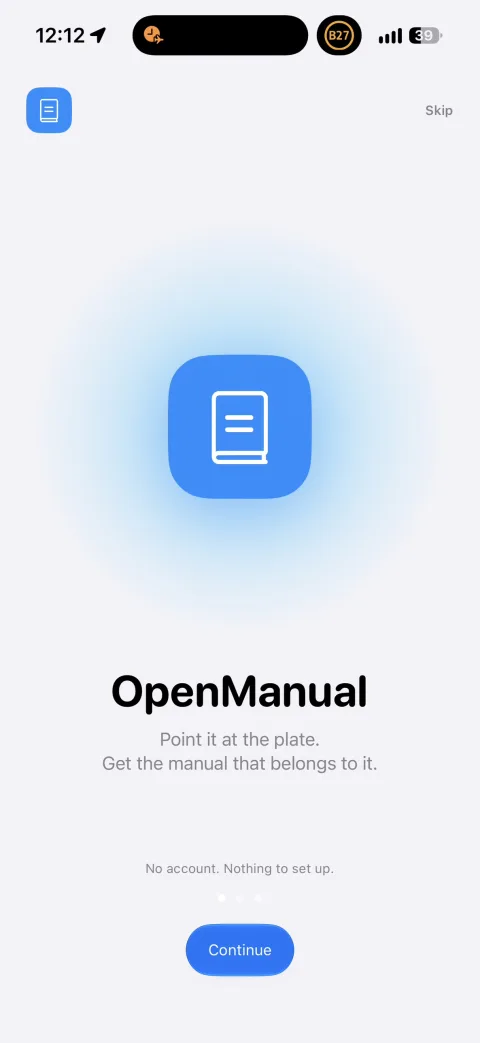
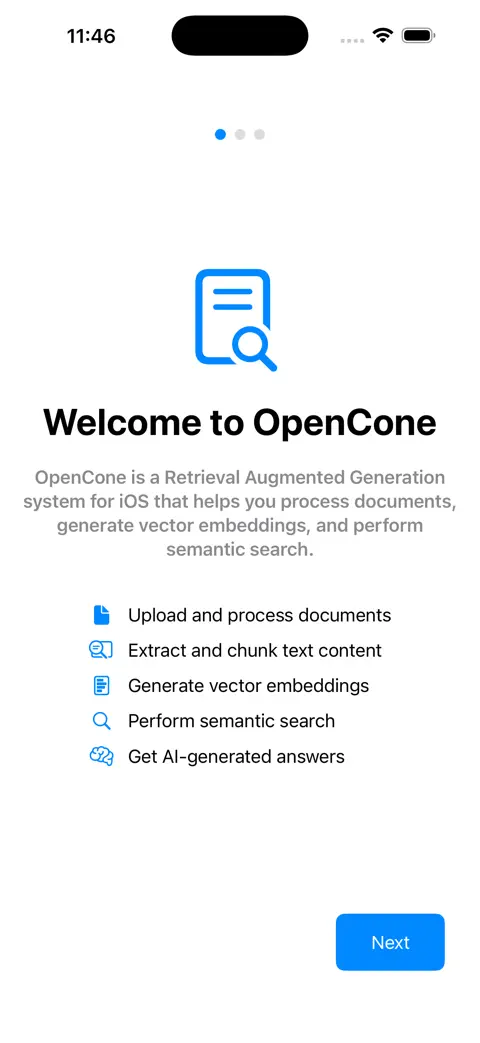
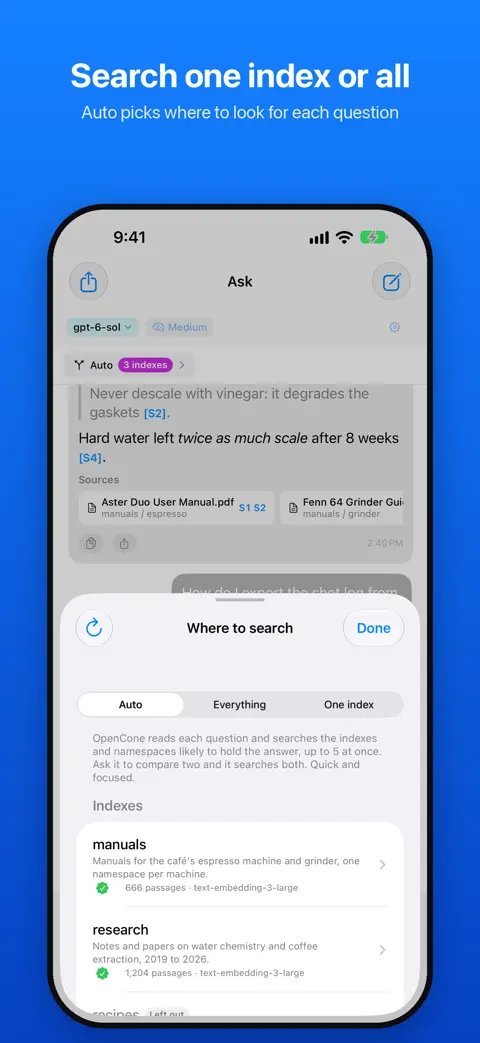
OpenCone happened once the Assistants Playground started feeling cramped again. Bigger queries, larger document sets, and one vector store per assistant kept making me think there had to be an easier way. I found Pinecone, learned indexes, namespaces, and embeddings on the fly, and built it because I wanted one thread to reach across more material with more control. Getting it onto the App Store was also me wanting to prove I could do it again.
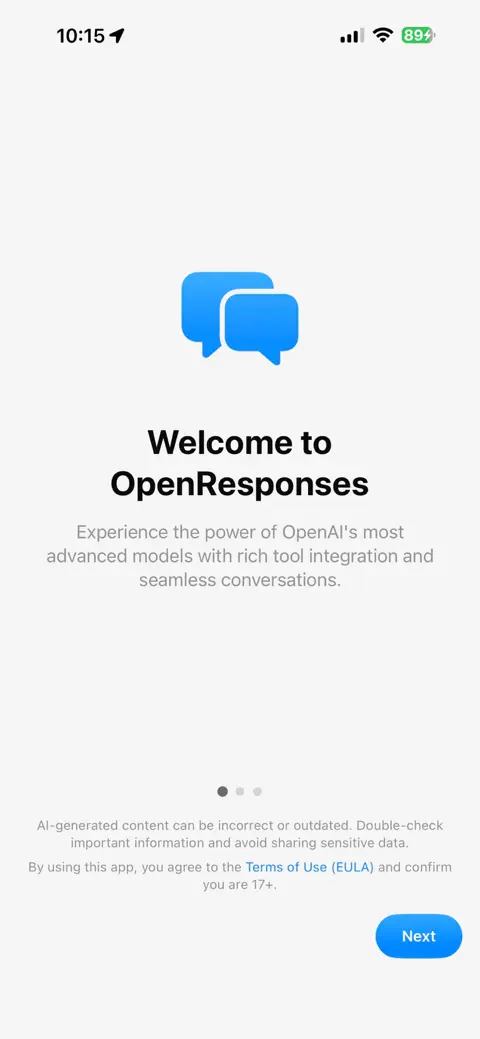
OpenResponses happened when I realized the old completions-era setup was getting deprecated and my first app was going to become useless if I left it there. I had OpenAssistant open in one VS Code window, OpenResponses in another, and rebuilt the core flow piece by piece on Responses until it was current again. It was the first one that made it through App Review on the first submission.
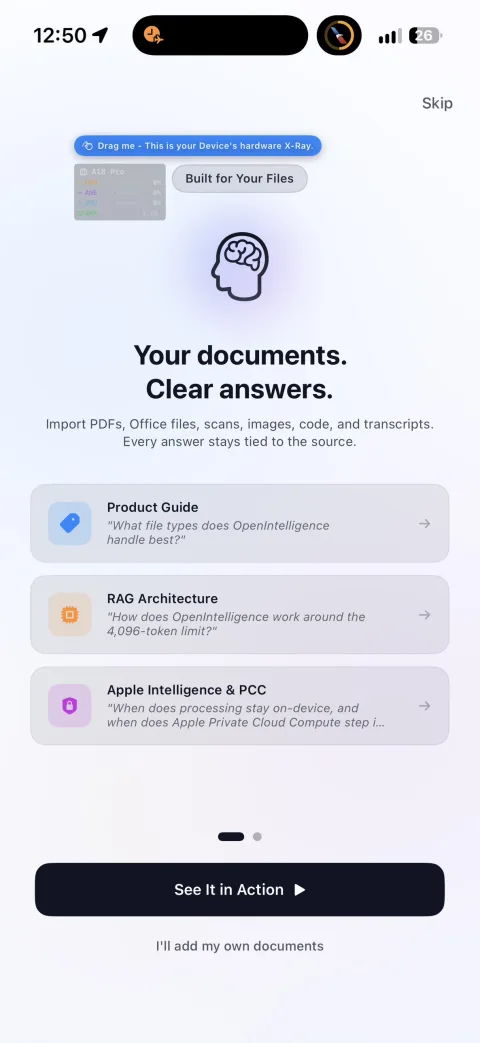
OpenIntelligence is the app I am most proud of. I wanted to see how far I could push the same document workflow on Apple's local model path, so I built an Apple Intelligence neural RAG engine that runs completely offline. The big constraint was the 4,096-token session budget, so I went deep on the docs and built a recursive multi-session reasoning loop into the app.
Something starts annoying me, I go way too deep on the docs, and I keep building until it does what I wanted in the first place.
This was copied API references, Playground threads, red Xcode errors, and rebuilding until the app finally stopped breaking.
The OpenAI Playground started feeling cramped, so I went looking for more retrieval control and ended up knee-deep in Pinecone indexes, namespaces, and embeddings.
Once the old endpoints were on the way out, this became a migration project. Old app in one window, new one in another, and a lot of nudging to keep the logic from drifting.
I wanted to take the same document workflow onto Apple's local model path, deal with the tighter limits, and make it work completely offline.
Most of this came from work, documentation, repetition, and building things until they worked. The hospital side made reliability matter. The app side gave me a place to keep testing ideas.
These are the main apps. Together they show the same loop repeating: hit a limit, get annoyed, read more docs, and build around it.
It was basically the same pattern every time: hit a ceiling, get curious, and build around it instead of accepting it.
The repos and App Store pages are public if you want the full trail.
ChatGPT's iOS workflow, but with more control.
One thread, more documents, and more retrieval control.
Move the whole thing to Responses before the old stack died.
Take the same document workflow offline on Apple's local model path.
OpenResponses started when I realized the old completions-era setup was getting deprecated and my first app was going to become useless if I left it there.
OpenIntelligence is the app I am most proud of. I wanted to see how far I could push the same document workflow on Apple's local model path, so I built an Apple Intelligence neural RAG engine that runs completely offline.
OpenCone came from hitting the OpenAI Playground ceiling again. Bigger queries, larger document sets, and one vector store per assistant kept making the whole thing feel cramped.
OpenAssistant started because the official ChatGPT iOS app made dense docs way easier to work through, but five files at a time was not enough and the workflow hit its ceiling fast.
I have lots to learn, and I genuinely want to get better at all of this.
I provide intraoperative technical support to Stanford surgeons at the VA in Palo Alto as an OnSite Specialist for Stryker. There is no Stryker management on site, so I am the first and only line of defense that is not in an office across the city.
I had zero hospital experience before this job. Now I have it, and I can see exactly what could be built.
Managed and validated patient-facing operational data in a clinical environment where accuracy, confidentiality, and process reliability mattered.
Field operations role built around precision, safety, route planning, and independent execution in a high-accountability environment.
Supported patient care workflows while handling scheduling, insurance administration, and front-line clinic operations.
Early leadership role managing distributed operations, staffing coverage, and on-call execution across multiple sites.
Bachelor's Degree in Kinesiology and Exercise Science.
I want a space where I can focus this energy on building solutions that impact thousands.
If you are in healthtech, medical devices, or on-device AI, or if you are building something where clinical background directly multiplies technical output, I want to talk.