All selected work

OpenManual

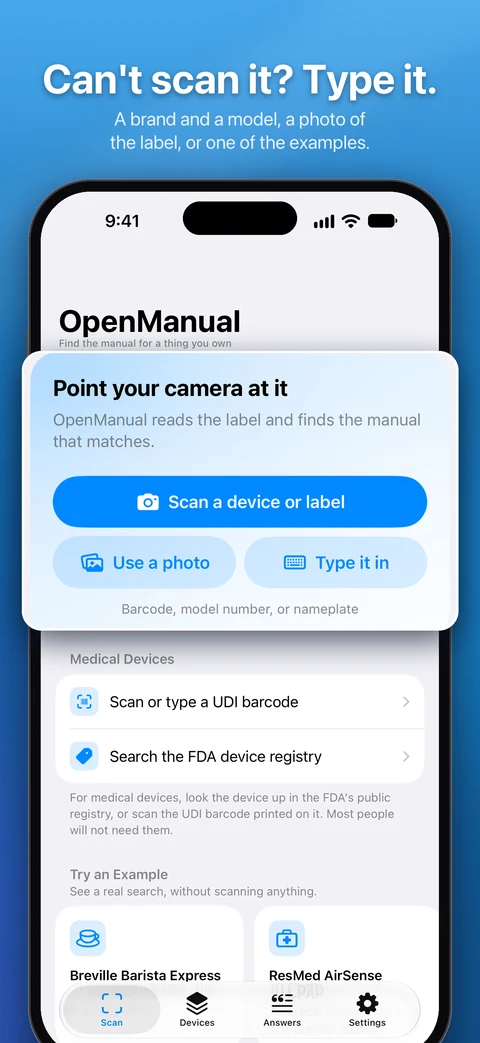
Point your phone at a device, appliance, tool, vehicle, or other documented thing. OpenManual identifies the exact unit, finds the manufacturer documentation that applies to that device and revision, and answers "How do I ___?" using only that document, with page-level citations.

No OpenManual backend. No account. No API key. Camera frames and imported PDFs stay on the iPhone.

SwiftUIFoundation ModelsVision OCRVisionKitPDFKitOn-Device RAGAccessGUDIDopenFDAStoreKitSwift 6

Screens

From the App Store listing for version 1.1. Scroll sideways.

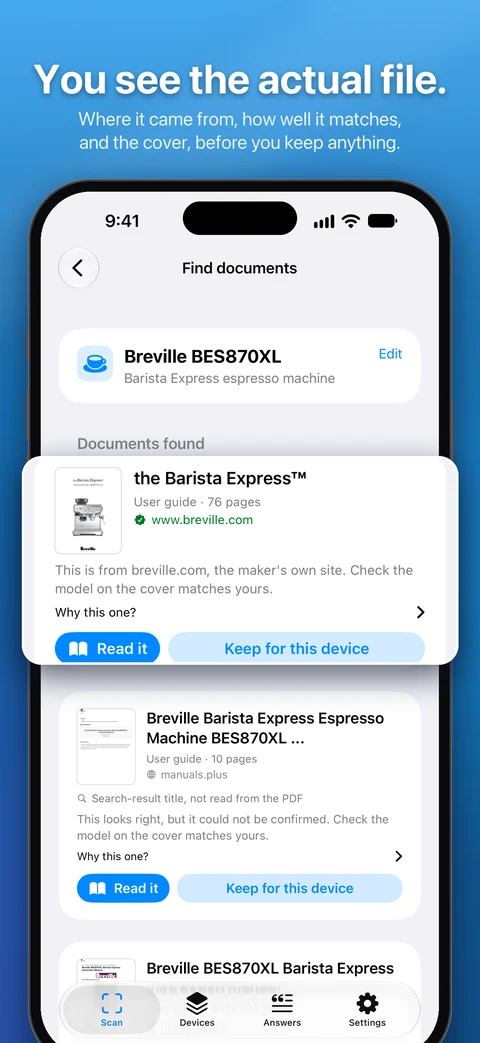
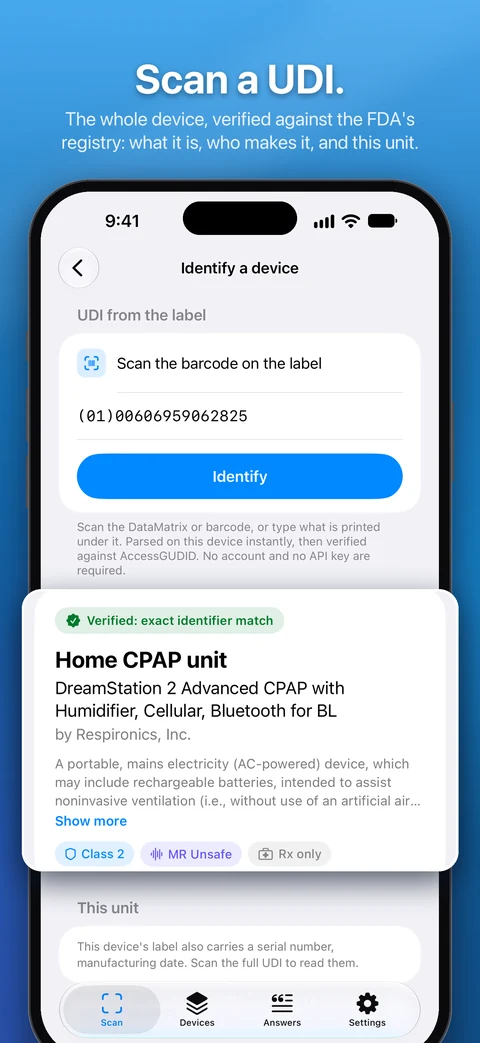
  • OpenManual iPhone screenshot 1
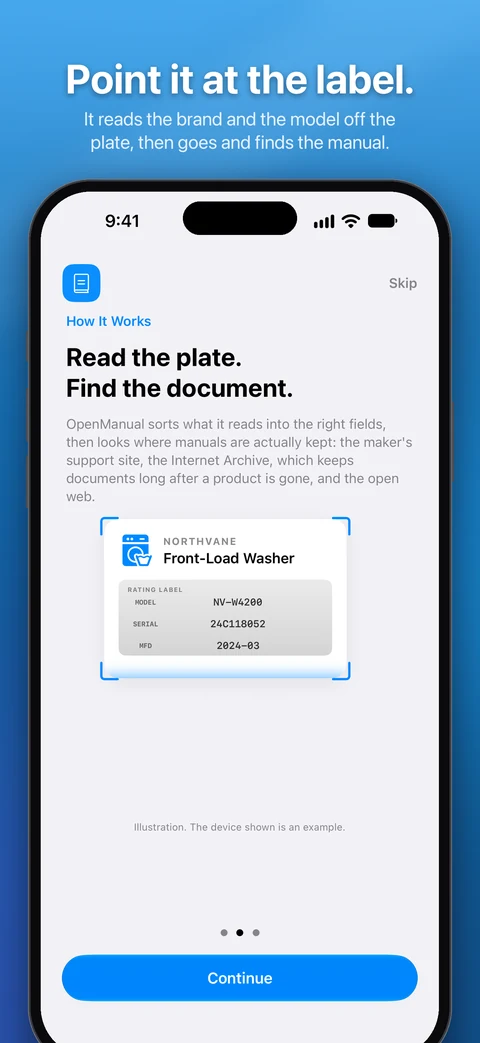
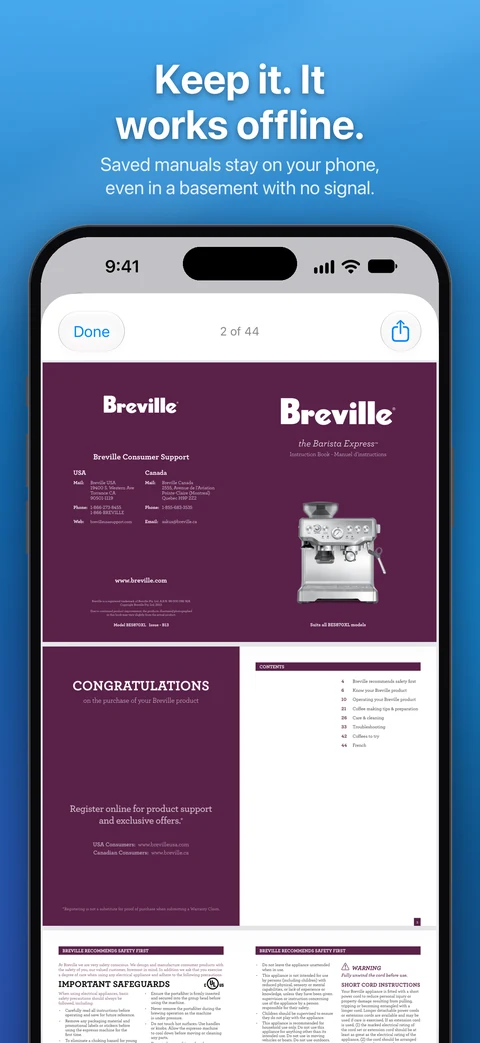
  • OpenManual iPhone screenshot 2
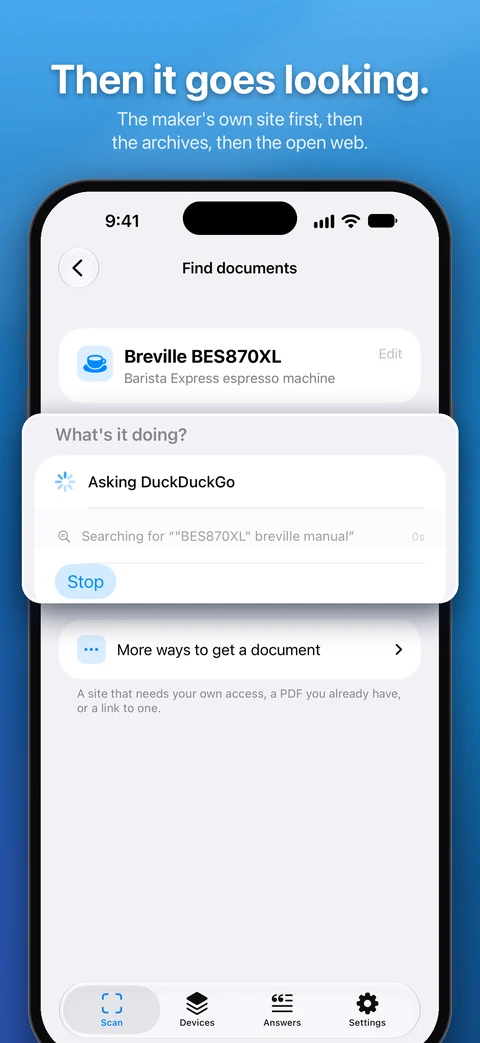
  • OpenManual iPhone screenshot 3
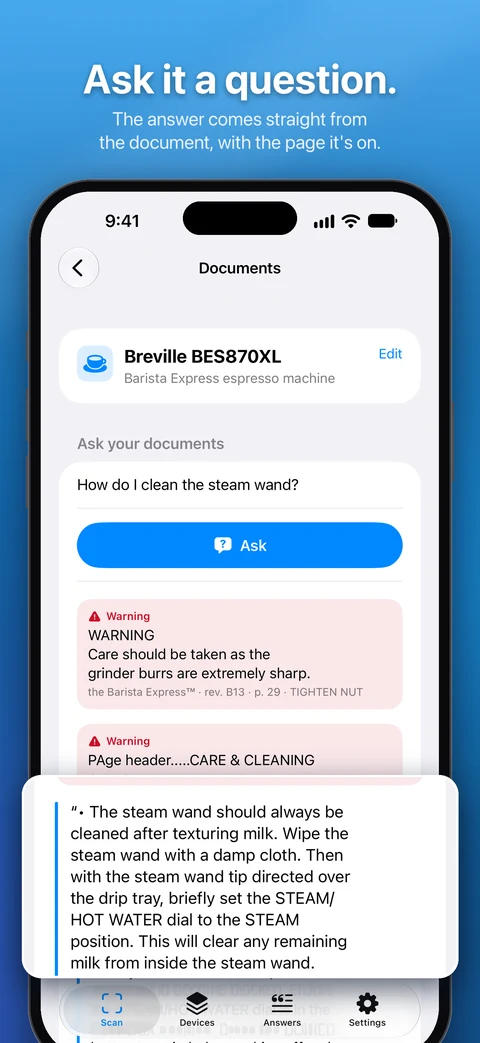
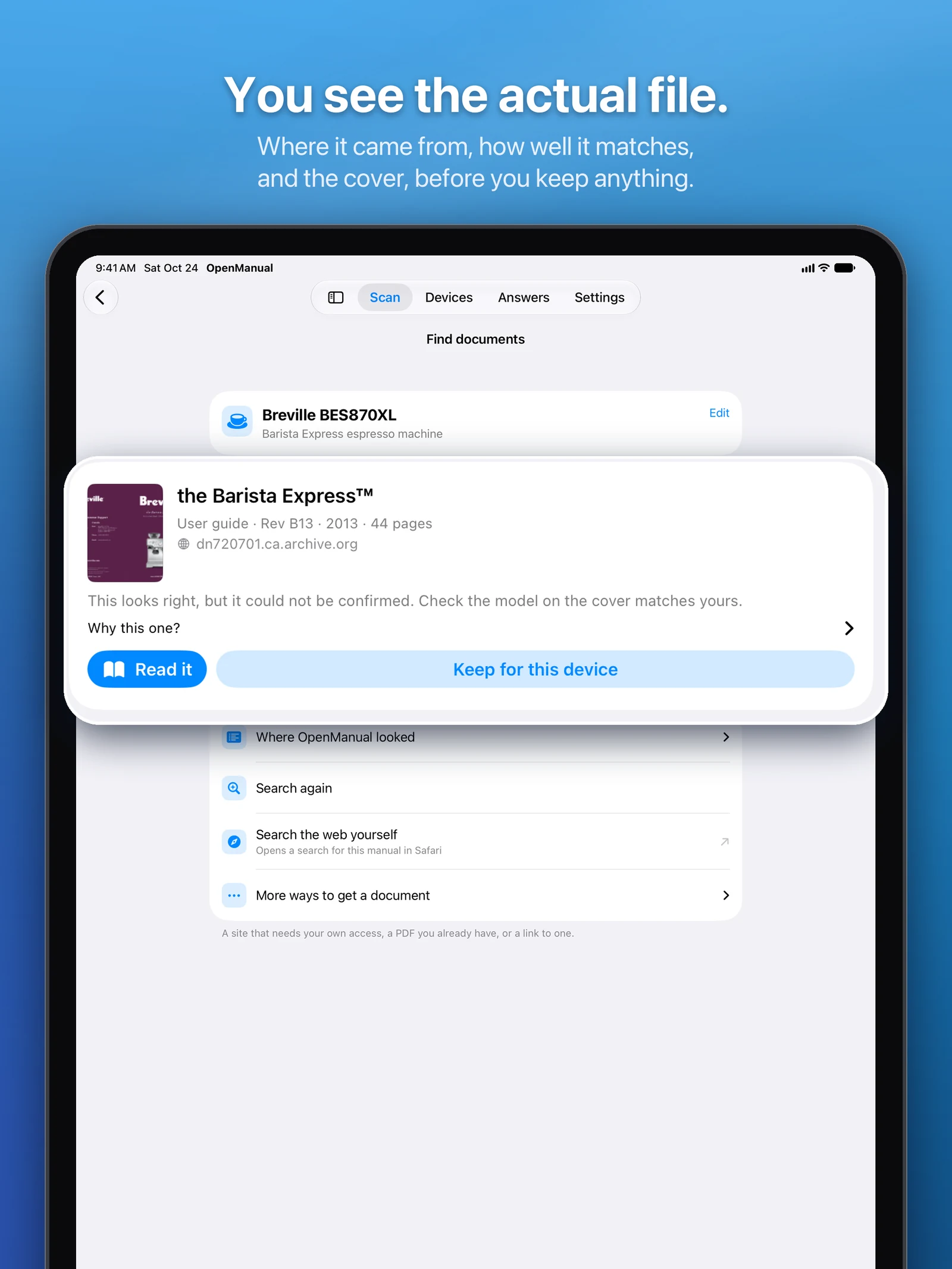
  • OpenManual iPad screenshot 1
  • OpenManual iPad screenshot 2
  • OpenManual iPad screenshot 3

How it works

Physical object, then identity, then the right document, then a grounded answer. Only a catalog-level identifier ever leaves the phone.

On devicePublic registrySafari3 of 6 steps stay on the device
  1. On device

    Parse the label

    The UDI carrier is parsed in pure Swift, offline. Without one, OCR plus a ranked candidate list plus one information-gain question narrows it down.

  2. Public registry

    Verify identity

    AccessGUDID V3 resolves the catalog-level DI to an exact device. The full UDI carrier never leaves the phone.

  3. Public registry

    Check recalls

    openFDA supplies recall and regulatory context. No key needed.

  4. Safari

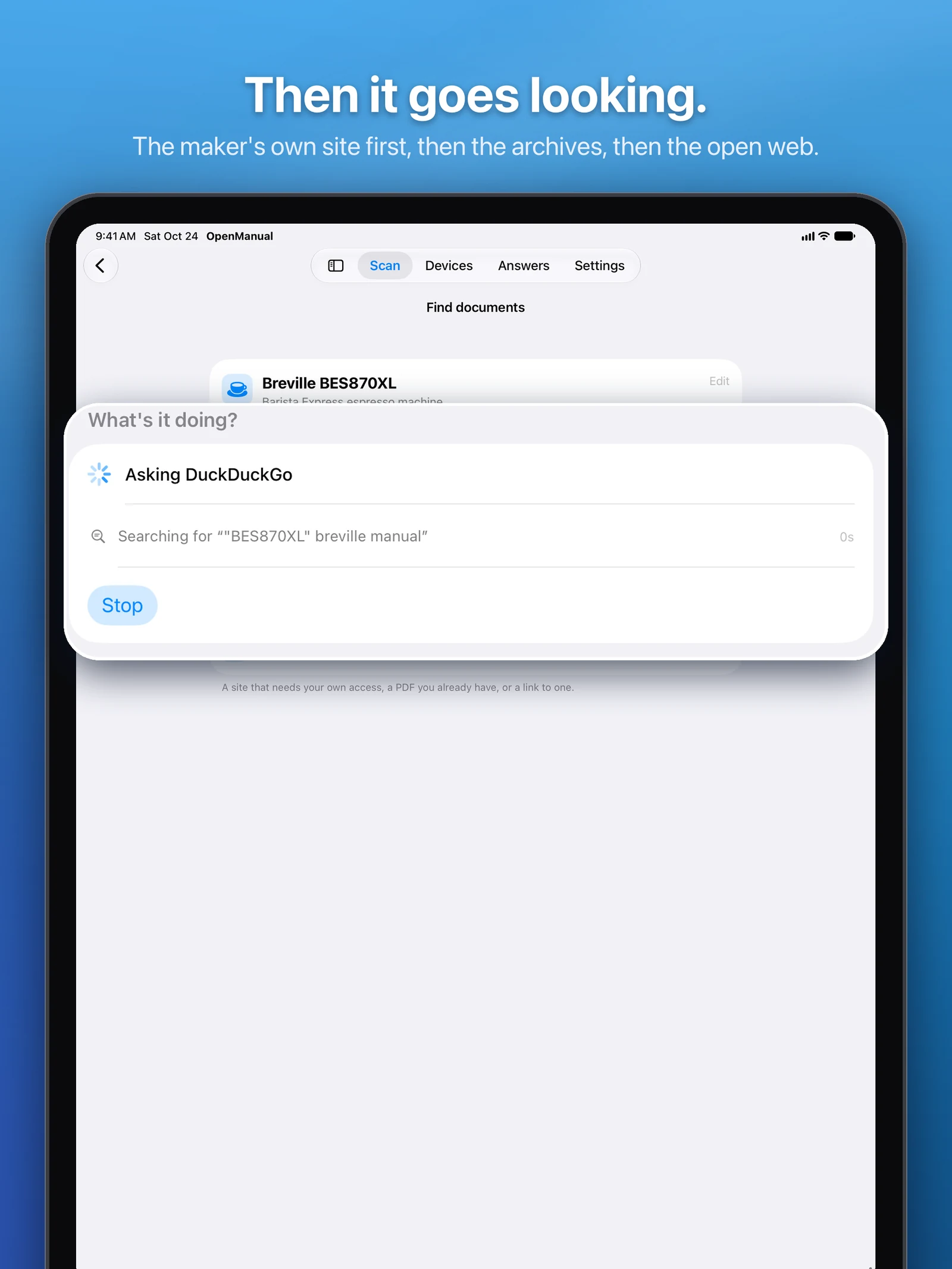
    Find the document

    A search API key cannot ship in a binary, so the app opens a normal web search in Safari, or receives a PDF through Share › Open in OpenManual, which reaches documents behind a manufacturer login that no crawler can.

  5. On device

    Bind and read

    You review a possible match before it is saved to that device. PDFKit and Vision read it; chunking, embedding, and retrieval stay local.

  6. On device

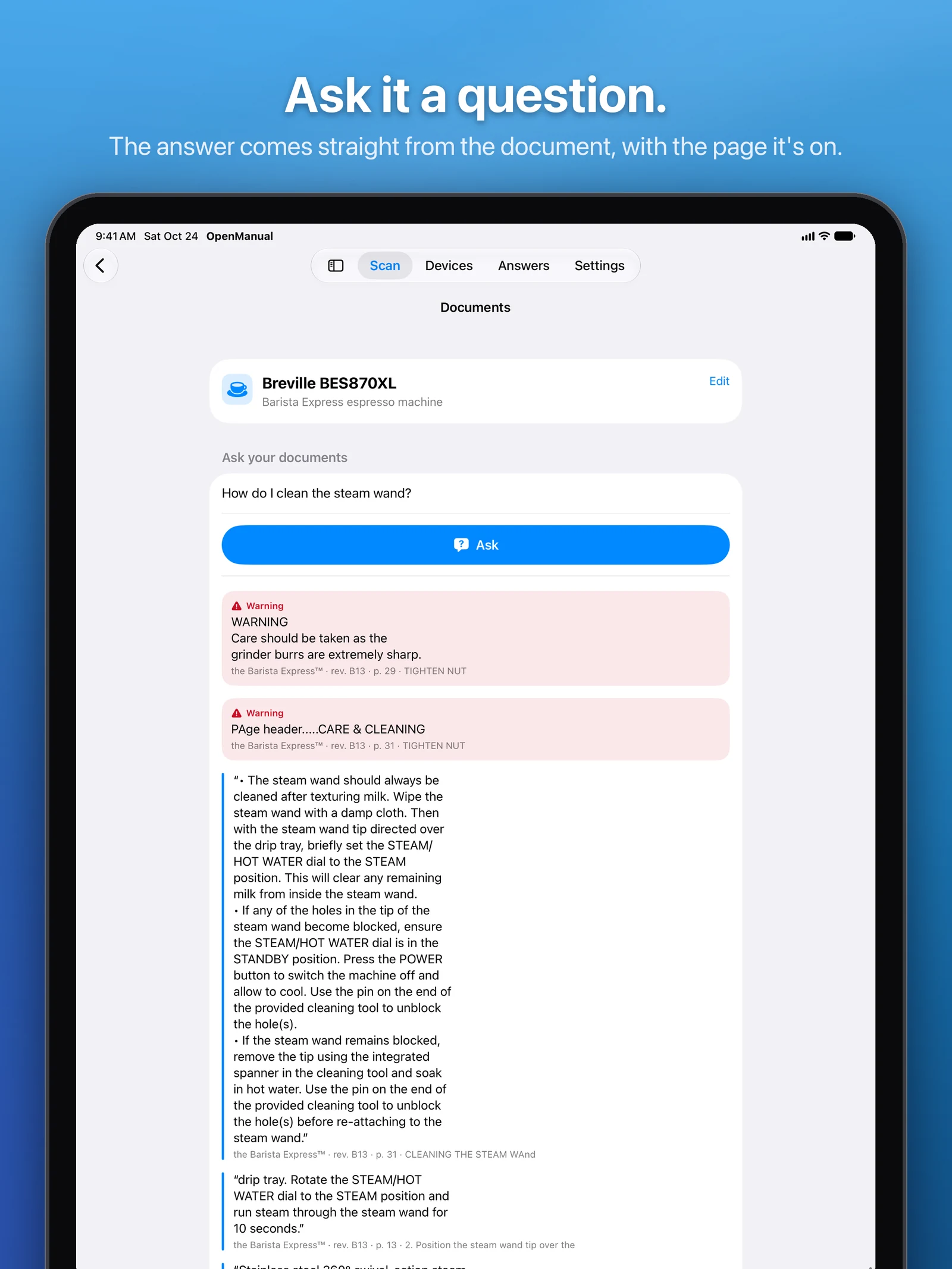
    Answer, within bounds

    A deterministic safety classifier runs first; documented operations are answered by Foundation Models with page-level citations. Diagnosis, treatment, and patient-specific settings are refused.

The story

Why it exists and what building it taught me. Written for the homepage card, kept here in full.

Why: I’ve lost count of the times I’ve been standing in front of a piece of equipment, at work or at home, with no idea exactly what model it was or where its manual went. I’ve replaced things that probably still worked because figuring that out was more hassle than buying a new one. In the OR the same problem has real stakes: you need the instructions for that exact device and revision, not something close. So I built the step that comes before OpenIntelligence. Point the camera at the thing, figure out exactly what it is, find the document that actually applies to it, then ask that document your questions.

Identity first: If there’s a UDI on the label, AccessGUDID resolves it to the exact device. If there isn’t, OCR reads the plate, the app ranks the likely candidates, and asks one question to narrow it down. The full UDI carrier never leaves the phone, only its catalog-level identifier does.

Finding the manual without a backend: I can’t ship a search API key inside an app, and I didn’t want a server to babysit. So the app opens a normal web search in Safari, and because it registers as a PDF handler, “Open in OpenManual” shows up in the share sheet. That reaches documents sitting behind a manufacturer login that no crawler ever could.

On-device from there: PDFKit and Vision read the document, chunking, embedding, and retrieval all stay local, and Foundation Models writes the answer with page-level citations. A found PDF is a possible match, not a guarantee, so you confirm it before it’s saved to that device.

Medical boundary: It can locate and quote documentation. It does not diagnose, recommend treatment, or pick patient-specific settings. Medical devices are the first vertical and keep the strictest rules; appliances, tools, and vehicles start from the same job.

What I learned: I built a Python backend and a Cloudflare search proxy for this, then deleted both on purpose. Shipping solo means no server and no key in the binary, and honestly the app got simpler for it. Scan-to-identity works end to end against the live APIs; grounded answering over the bound document is what’s left before the first public build.

Shipping

Every commit, week by week, with the moments that mattered marked on it.

Commits
198
Active weeks
3
  1. First commit
  2. App Store release
  3. v1.1

What's new in 1.1

As written for the App Store.

1.1 is mostly about labels that used to fool it, and about not making you tap things.

  • You can scan the UDI barcode right from the device page now, and the camera screen opens that page on its own the second it reads one, so nobody has to type a DataMatrix by hand anymore.
  • Hospital asset tags don't become the brand anymore. A person's name, a login, a department or an inventory number gets read as the owner's and not the maker's, and the part number printed under the item's name gets read as the REF like it should have all along.
  • Component labels read right now. A directive number isn't a date, a part number with a hyphen isn't a serial, and the bare number under them is.
  • It tells you when the label you're looking at is an owner's tag and not the maker's plate, and where the real plate usually is.