All selected work

first app · archived

OpenAssistant

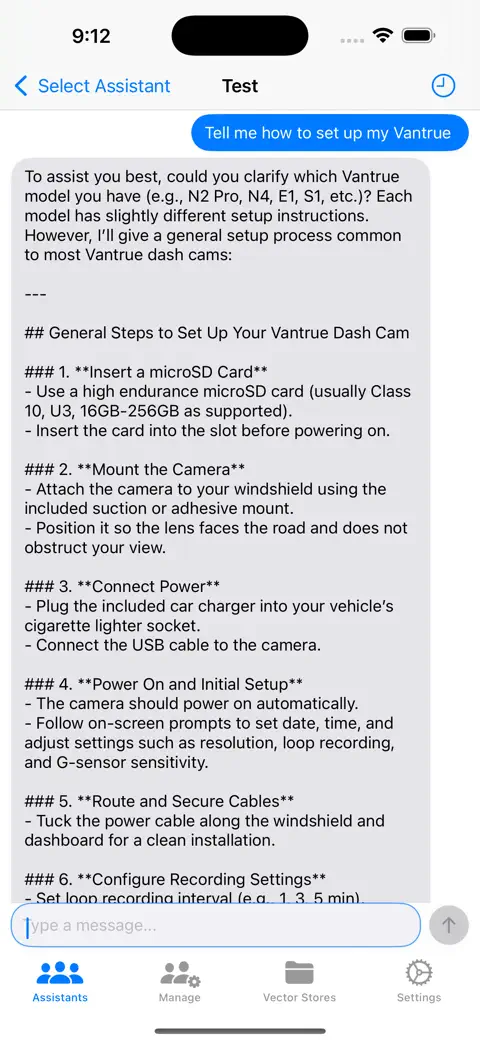
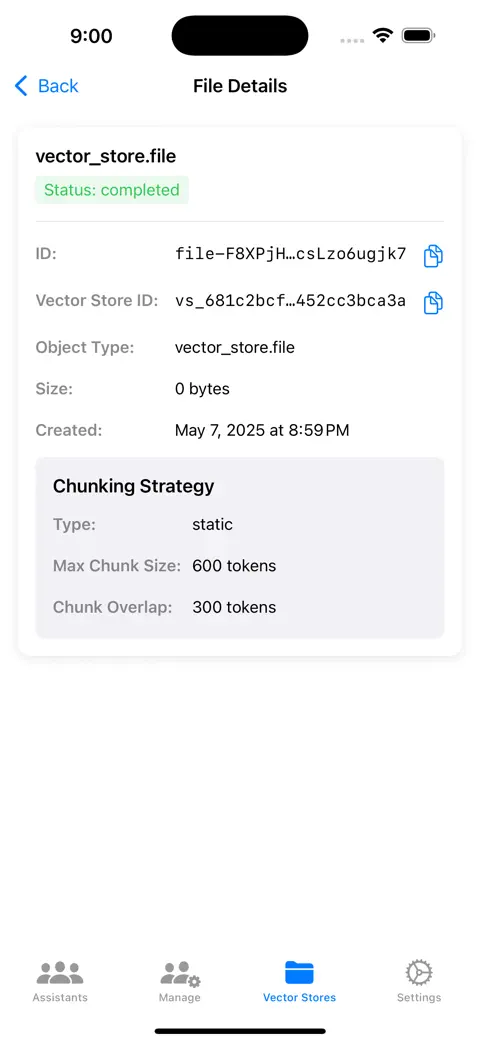
My first shipped iOS App, built around the OpenAI Assistants v2 API. Engineered to handle vector stores, document uploads, active run polling, and strategy-driven local file preprocessing.

Where I learned to ship: App Store approval after 30 rejections taught me the reviews

SwiftUIAssistants API (v2)Vector StoresRun PollingStrategy PatternNotificationCenterFirebase SDK

How it works

The first app. Files are made acceptable on the phone, then OpenAI's Assistants API does the rest while the app checks in every two seconds.

On deviceOpenAI4 of 6 steps stay on the device
  1. On device

    Convert

    iPhone-native files OpenAI rejected, like HEIC photos and RTF documents, are converted locally to JPEG and plain text through a pluggable strategy pattern.

  2. OpenAI

    Upload and index

    Files go into an OpenAI vector store with optimistic UI and a rollback if the upload fails.

  3. On device

    Send

    The message is saved locally first, then a thread run starts against the chosen assistant.

  4. OpenAI

    Run

    The assistant runs on OpenAI's side with file search and code interpreter available.

  5. On device

    Poll

    A timer asks every two seconds whether the run is done, so the answer appears the moment it is ready.

  6. On device

    Persist and render

    Output is fetched, deduplicated, persisted in AppStorage, and rendered.

The story

Why it exists and what building it taught me. Written for the homepage card, kept here in full.

Why: When ChatGPT-4 first came out, it BLEW my mind. I was working with tons of medical documentation at Stryker and using it to learn fast, but their official app was slow, crashed, and limited me to 5 files at a time. I got curious about their API, saw people making wrappers, and thought, why would I pay for someone else’s app when I can just build my own?

File Formatting: OpenAI, at the time, would reject standard iPhone files (like live HEIC photos or RTF documents) when uploaded. To fix this, I set up a local conversion system that automatically turns these files into standard JPEGs and plain text on the device before sending them off.

“Is it done yet?”: Since OpenAI’s Assistants API didn’t respond instantly, I built a timer system that checks in with OpenAI every 2 seconds to see if the assistant is done thinking, so the app can display the answer the second it’s ready.

What I learned: Making an iOS app isn’t easy. I built it by copying OpenAI API references into text files, uploading them to a playground vector store for context, and copying and pasting the red errors back in to get corrected code. I repeated this until it worked, spent $99 on a developer account, and finally got it on the store after being rejected upwards of 30 times because they kept telling me everything that was wrong with my app.

Where it stands: Archived. The Assistants API it was built on is shut down now, which is the whole reason OpenResponses exists. It’s no longer on the App Store, and I’m not developing it further. Everything I learned getting this one approved went into the four apps after it.
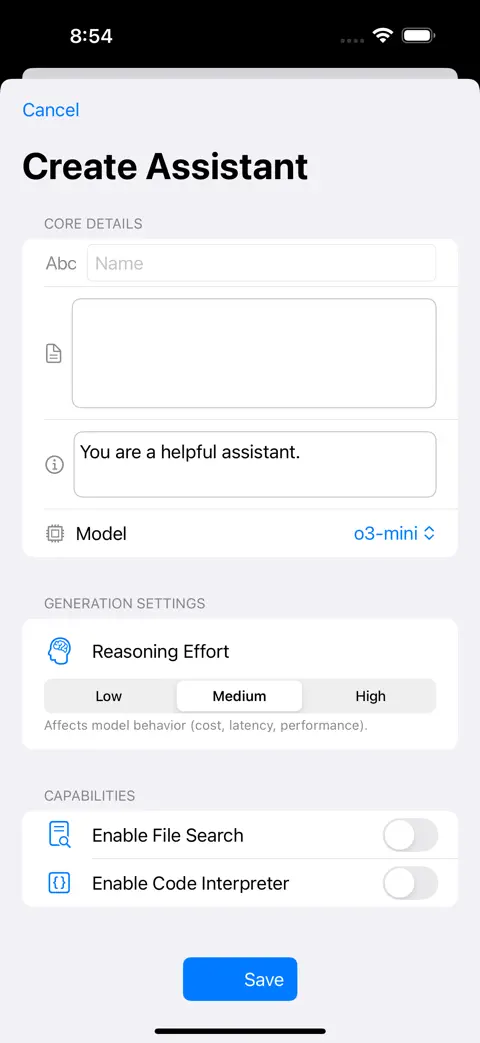
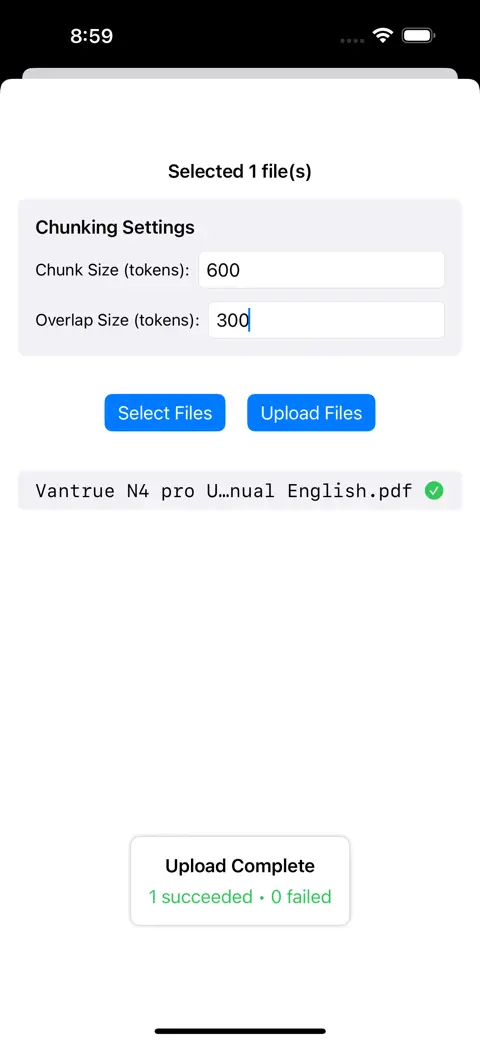
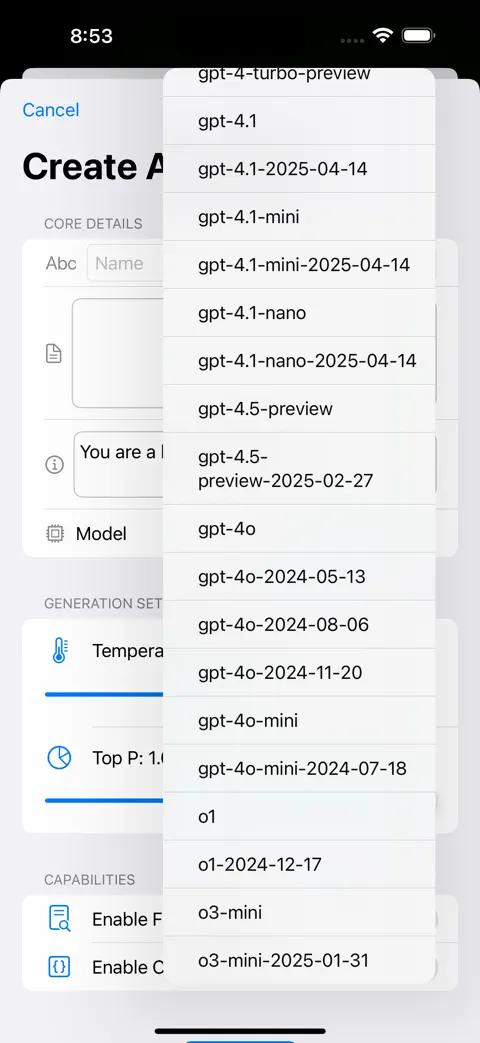
OpenAssistant iPhone screenshot 1OpenAssistant iPhone screenshot 2OpenAssistant iPhone screenshot 3OpenAssistant iPhone screenshot 4OpenAssistant iPhone screenshot 5

Shipping

Every commit, week by week, with the moments that mattered marked on it.

Commits
225
Active weeks
33
  1. App Store release
  2. v3.2
  3. Latest commit

Milestones

7 releases from October 9, 2024 to June 24, 2025.

  1. 3.2

    Fixed LOTS of bugs

  2. 3.0

    Add create, update, and delete workflows via new screens and service calls

  3. 2.0

    Added a more detailed app description that highlights the unique functionality of Assistants v2, their vector stores and file search.

  4. 1.0

    First release on the App Store.

All 7 releases with their notes, on gunzino.me